


What is a "Scene" in M4: How a Dispatching System Manages Multiple Robot Operating Environments
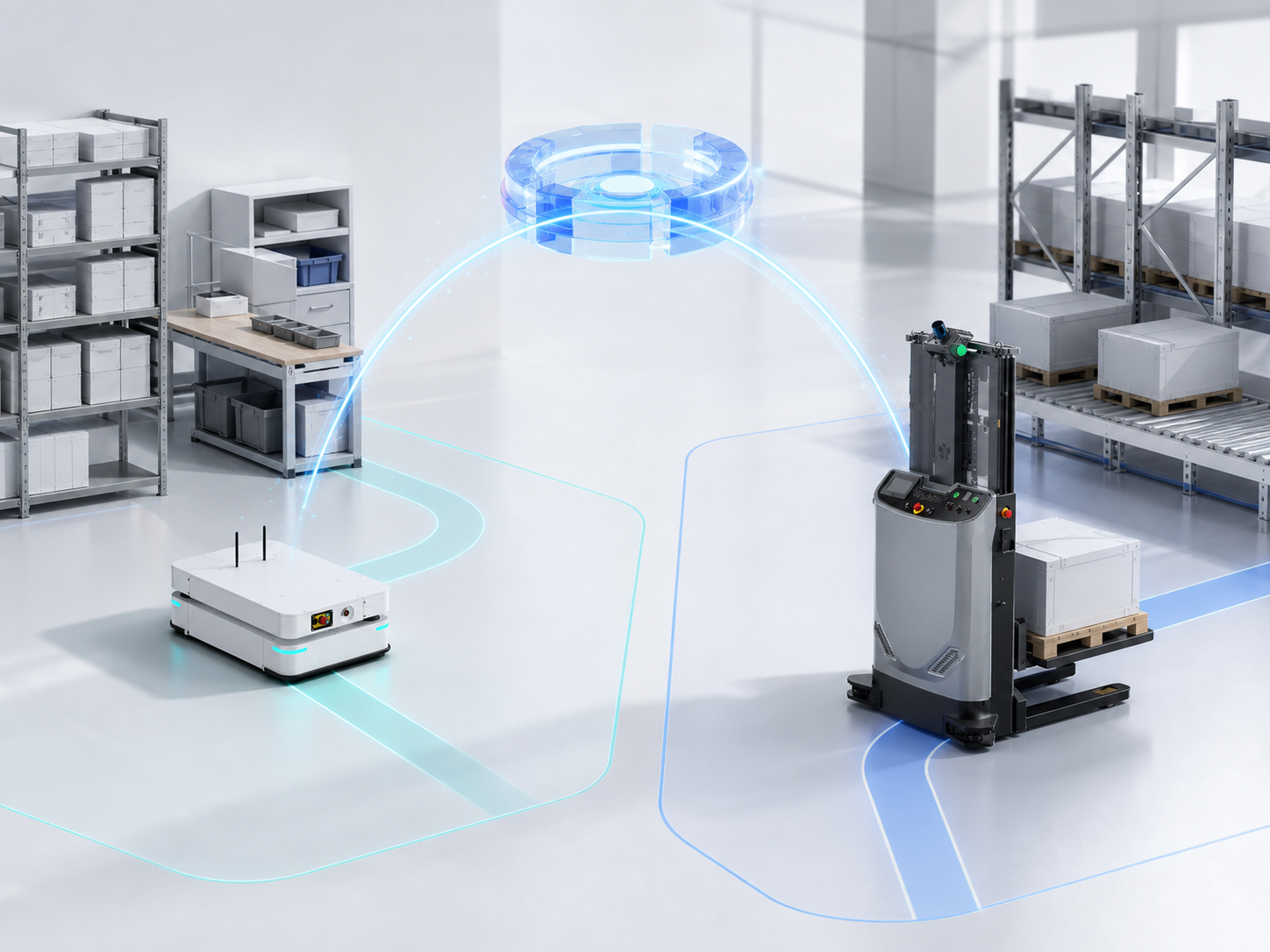
In M4, a scene is the fundamental unit used by the dispatching system to manage robot operations.
Typically, a customer project utilizes one M4 dispatching system. A single M4 system can run one or multiple scenes simultaneously, with each scene containing at least one zone, or multiple zones. A scene also configures robot groups, individual robots, maps, doors, elevators, container types, and dispatching rules.
The hierarchy among these layers can be summarized as:
Project → M4 Dispatching System → One or More Scenes → One or More Zones Per Scene
A Single Project Can Manage Multiple Scenes via One M4 System
A scene is the basic organizational unit for dispatching objects in M4. Robots, transport orders, maps, and facilities all belong to a specific scene, and dispatching occurs strictly within that scene. Scenes are completely isolated from one another: robots will not accept orders across different scenes, and transport orders or facilities cannot be mixed or shared between scenes.
The key to deciding whether to use multiple zones or multiple scenes depends on whether these operating spaces require joint dispatching:
-
Using Multiple Zones: Multiple spaces belong to the same workflow, requiring shared robots and facilities, or requiring a single transport order to be executed continuously across spaces. For example, each floor of a three-story workshop can be set as an individual zone. A robot can take an elevator to deliver goods from the first floor to the second floor, with the entire process completed within the same scene.
-
Using Multiple Scenes: Several operating environments are independent of each other, meaning robots, transport orders, and facilities do not need to be dispatched together, or they employ significantly different operating modes and dispatching configurations. For instance, a conventional dispatching zone and an optical communication zone can be established as separate scenes. They remain isolated at the dispatching level while being uniformly deployed, monitored, and maintained by a single M4 system.
Simply put, zones are used to partition operating spaces within the same scene, while scenes are used to separate independent dispatching environments. Some dispatching systems that only support a single scene require separate system deployments or multiple service instances for independent operating environments. M4, however, can run multiple scenes simultaneously within a single system, allowing new independent scenes to be added as the project expands.
A Scene Tells M4 Who Does the Work, Where It Is Done, What Is Handled, and How It Operates
A scene typically includes the components mentioned above.
These elements help M4 make dispatching decisions. For example, when delivering a pallet to the second floor, the system needs to verify which robots are capable of handling pallets, which robots are permitted to enter the second floor, which map should be used, and which elevator needs to be called along the way.
Zones Partition Operating Spaces, While Robot Groups Determine Who Can Operate in a Zone
Each scene contains at least one zone, which can be divided into multiple zones by floor or workshop. A single zone may contain various types of robots, such as underride AGVs and forklifts, each with different vehicle dimensions, turning requirements, and safety distances.
M4 configures dedicated maps for different robot groups. The map links the robot groups with the zones, letting the system know which types of robots can enter specific zones and which points and routes they can utilize.
For example, suppose a scene includes two zones: the first floor and the second floor. If the underride AGV group has maps configured for both floors, this group of robots can take the elevator to execute tasks across floors. If the forklift group only has a map for the first floor, M4 will not assign second-floor tasks to these forklifts.
Therefore, zones partition the space, robot groups represent the capabilities of similar robots, maps connect robot groups to zones, and robots execute the specific tasks.
Transport Orders First Identify Their Scene, Then M4 Decides the Robot and Route
Once a customer's Warehouse Management System , Manufacturing Execution System , or on-site personnel issue a material handling request, M4 converts the request into a transport order. The transport order must specify its target scene and can optionally designate a robot group, a specific robot, a container type, and a destination.
Only after the scene is determined can M4 select the appropriate robot, plan the route, manage traffic, and coordinate doors and elevators within the correct scope.
Take cross-floor delivery as an example: a robot picks up a bin on the first floor, takes the elevator to the second floor, and delivers the bin to the designated workstation. As long as the two zones, the maps for both floors, the robot group, and the elevator all belong to the same scene, M4 can seamlessly complete the entire process of order dispatching, traveling, taking the elevator, and final delivery.
Clear Scene Relationships Make Complex Projects Easier to Scale and Manage
Evaluating the scene capabilities of a robot dispatching system goes beyond checking whether maps can be imported or robot icons can be displayed. What matters more is whether the system can comprehensively describe the relationships among robots, tasks, maps, and facilities; whether it ensures transport orders are validated and executed within a well-defined environment; and whether it allows for ongoing adjustments, simulations, and reuse as business needs change.
For simple projects, a single scene keeps configuration straightforward. For complex projects featuring multiple workshops, multiple floors, or coexisting dispatching methods, M4's multi-scene capability allows different operating environments to be configured independently while maintaining unified management. When customers add robots, expand zones, or add new operating areas, they can scale seamlessly within the existing system.
The core value of M4's scene concept lies in organizing scattered on-site elements into a runnable, verifiable, and maintainable working environment. While algorithms determine how the system makes decisions, a complete scene model determines whether those decisions understand the actual site and can be truly executed.
