


M4 Falcon Task: Scalable, Trackable, and Recoverable Transport Order Workflows
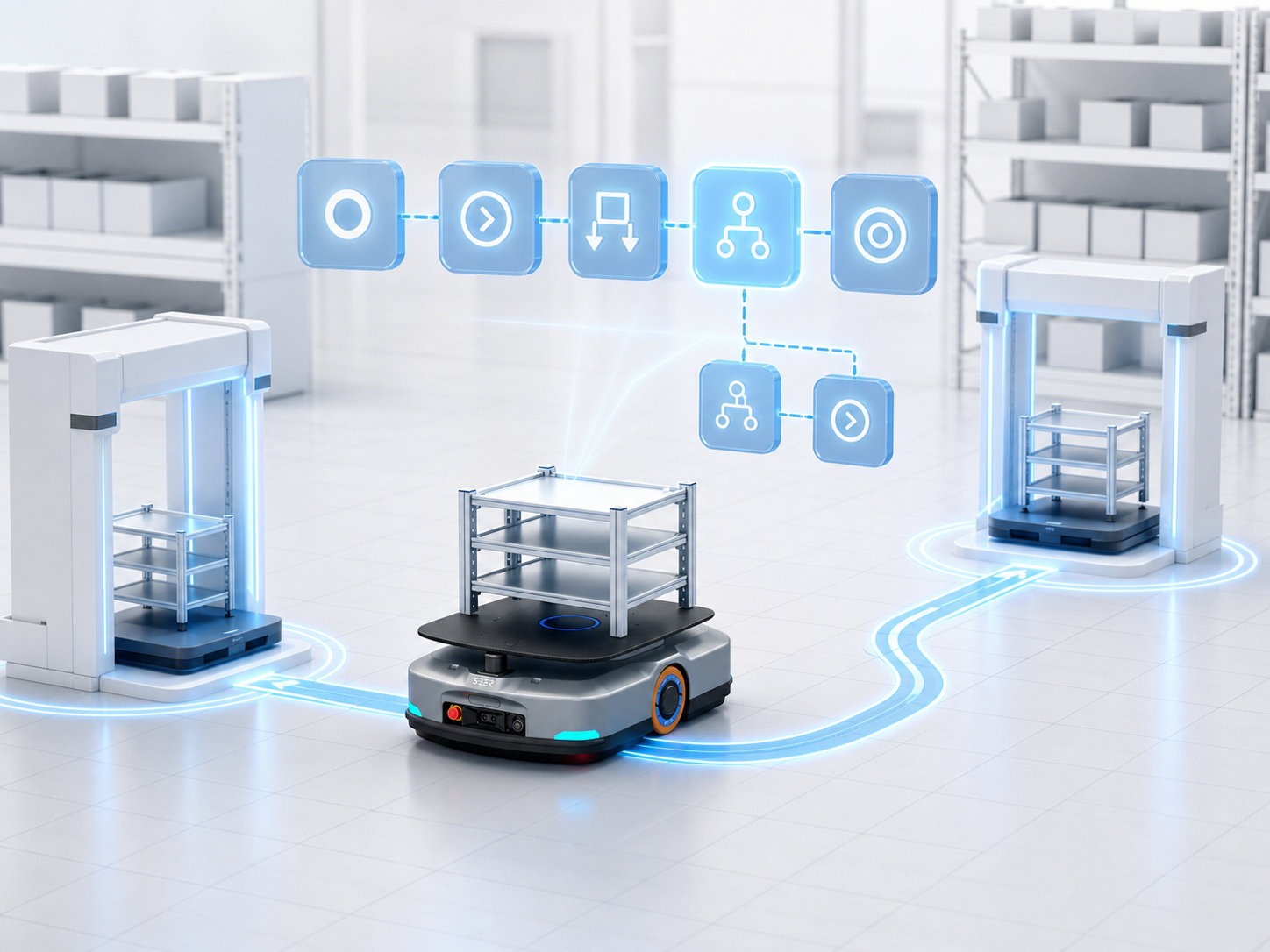
The M4 Falcon task is a low-code workflow engine. It breaks down complex robotic business logic into a series of executable steps, which are then handed over to the M4 Dispatching System and robots for execution.
Functionally, “Falcon” serves as an intuitive metaphor: target an objective, execute step-by-step according to the plan, and continuously track progress.
In M4, Falcon tasks and the dispatching system are demarcated by Transport Orders and Order Steps:
- Falcon Task: Responsible for creating transport orders and adding order steps.
- Dispatching System: Responsible for dispatching transport orders and directing robots to execute each step sequentially.
In short:
Business Requirement → Falcon Task Workflow Orchestration → M4 Transport Order Dispatching → Robot Execution
Eliminating Iterative Development for Evolving Workflows
Material handling workflows vary across client sites. Even for standard material transport, different pick-and-place actions, equipment handshake signals, release conditions, and exception-handling logic are often required.
Previously, these workflows had to be hardcoded via custom programming. This led to long development cycles and required code modification, testing, and redeployment whenever a workflow changed.
Falcon task turns common capabilities into configurable components. Users can intuitively build business workflows by selecting, arranging, and configuring components directly on the UI—making future adjustments effortless.
Define Workflows via Templates; Track Execution via Records
In M4, Falcon Task Templates and Falcon Task Records are two distinct concepts.
A Falcon Task Template is a reusable workflow configuration. It defines the input parameters a task accepts, the components it contains, and how each component executes. Every time a template is executed, M4 generates a corresponding Falcon Task Record. A single template can run multiple times, producing multiple task records.
Think of a Template as a blueprint, and a Task Record as a single operational run based on that blueprint.
Architecture of a Falcon Task Template
A Falcon task template primarily consists of:
- Task Input Parameters: Information required at runtime (e.g., origin, destination, and container ID).
- Task Output Parameters: Results returned after task execution, primarily used when invoked as a subtask by other workflows.
- Task Variables: Scoped exclusively to the current task run to store and pass data between components.
- Global Variables: Shared across multiple Falcon tasks (e.g., current shift, equipment IP addresses, or workflow feature flags).
- Components: The actual execution units that make up the workflow—such as creating a transport order, adding an order step, evaluating conditions, looping execution, or reading equipment signals.
Each component contains:
- Component Input Parameters: Define what data the component needs to process.
- Component Output Parameters: Pass execution results to downstream components.
- Execution Logic: Defines the specific operations performed by the component itself.
- Child Component Logic: Defines how nested components (such as those within conditional or loop blocks) execute.
Falcon task templates can also be invoked as Subtasks within other templates. Parent tasks pass parameters to subtasks, and subtasks return execution results upon completion. This allows pre-orchestrated workflows to be reused as standalone components without reconfiguring individual steps.
Persistence of Falcon Task Records
Task records capture the execution status of both the overall task and its individual components, making it easy to monitor progress and troubleshoot failures.
Simple Direct Orchestration vs. Reusable Subtask Workflows
Take a basic “Point A to Point B transport” workflow as an example: simply configure the origin and destination, create a transport order, add a pick step, add a place step, and finalize the order.
- Pick and place steps can be configured to block until complete (wait for execution).
- Finalizing a transport order acts as a “seal,” signaling that no further steps will be appended.
- The dispatching system handles order assignment and execution, with options to set “no-redispatch” flags on specific steps if needed.
For simple two-point transport processes like this, there is no need to split them into subtasks. Subtasks are best suited for complex operations that recur across workflows.
Example: If robots at a facility must interact with a conveyor belt to pick material, the robot needs to send a request to the PLC, wait for the equipment to be ready, perform the pick action, wait for completion, and finally notify the PLC that the pick is finished.
This entire sequence can be encapsulated into a standalone “Conveyor Pick” subtask and inserted into various master workflows.
This approach keeps master workflows concise, reduces orchestration complexity, and enables centralized logic maintenance. If the equipment integration protocol changes in the future, you only need to update the subtask rather than modifying every related task across the project.
Simpler and More Flexible Transport Order Creation
Creating a basic transport order via code is straightforward. The real challenge lies in integrating field-level conditions—such as conditional logic, hardware signals, and third-party system interactions—between pick and place steps. As requirements scale, codebases swell, leaving business logic fragmented and hard to maintain.
When workflows change, legacy code must be traced, modified, tested, and redeployed. Furthermore, when exceptions occur, pinpointing the exact state of an order becomes difficult. Prolonged troubleshooting increases the risk of robot idle time, material delivery delays, and even full site downtime.
Falcon task is a core highlight of M4. It enables rapid order creation via pre-built components while allowing other operations to be dynamically injected between steps. Combined with runtime execution tracking for every component via task records, it solves more than just “how to create a transport order”—it makes complex workflows visible, adaptable, and easily recoverable when issues arise.
