


M4 Boot: Simplifying Booting, Upgrades, and Maintenance for M4
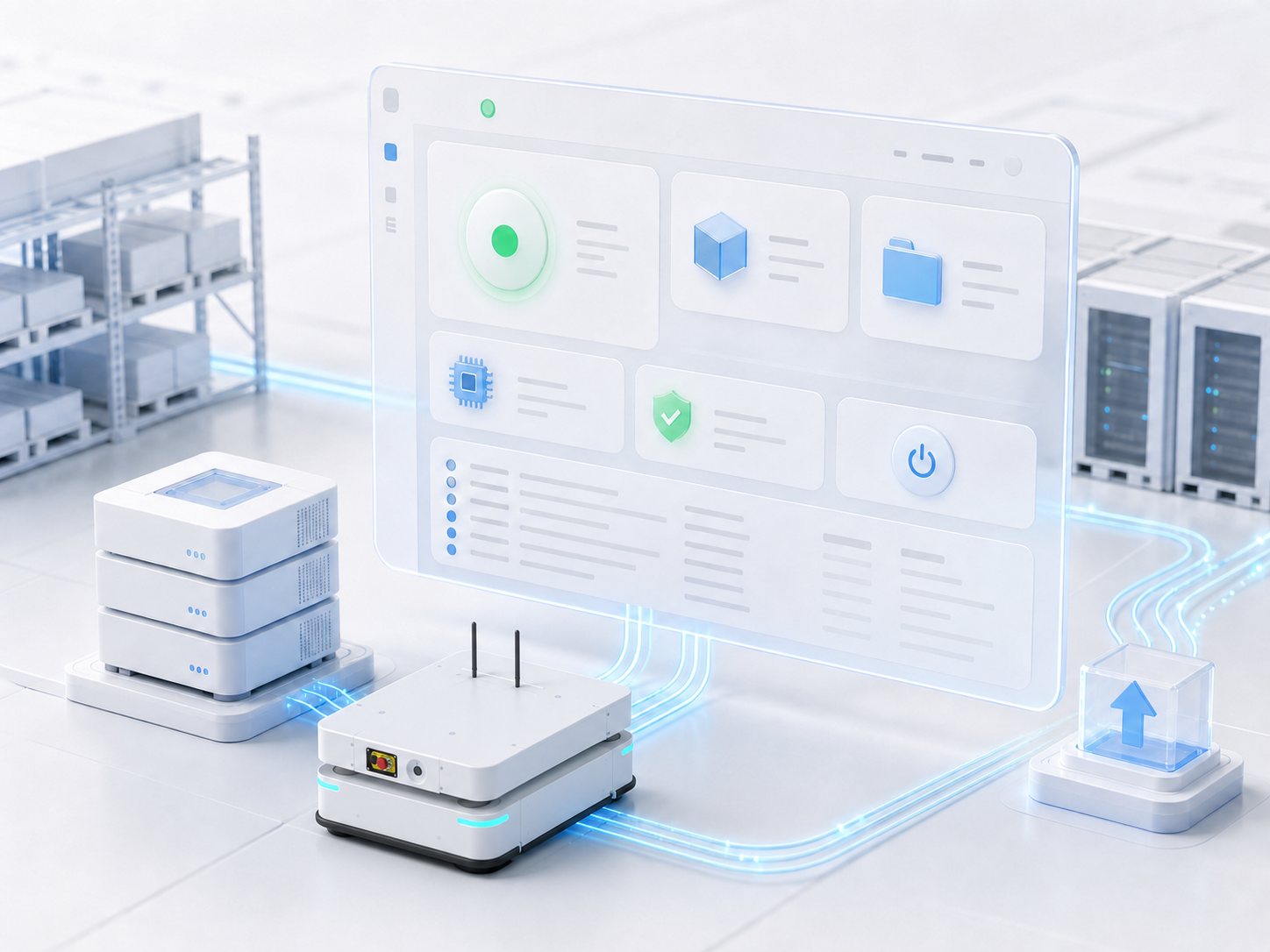
The M4 Boot is a companion management tool designed specifically for the M4 system, tailored for project teams that have deployed or are currently utilizing M4.
It addresses a highly practical challenge: previously, booting up M4, upgrading versions, configuring project packages, uploading licenses, and checking operational statuses or logs heavily relied on command-line interfaces (CLI), complex file paths, and deployment experience. While experienced personnel could handle these tasks smoothly, the process remained cumbersome and error-prone for new projects, onboarded colleagues, or on-site operations.
By consolidating these operations into a clean, intuitive visual interface, the M4 Boot streamlines the entire process of booting, upgrading, and performing routine maintenance for M4.
Why the M4 Boot is Essential
On project sites, the successful operation of M4 depends not only on business logic configurations but also on whether the underlying environment is properly prepared.
Key readiness factors include:
- JDK: Is the Java Development Kit installed, and does the version match requirements?
- M4 Version: Which M4 version is currently in use?
- Project Packages: Are the project packages correctly configured?
- Licensing: Has the license been successfully uploaded?
- Home Directory: Is the M4 home directory set up properly?
- Observability: Where can users check operational statuses and logs post-boot?
In the past, these items required manual, one-by-one verification. The M4 Boot aggregates them into a unified portal, enabling users to perform pre-boot checks and routine maintenance much faster.
Booting, Upgrades, and Configuration—All in One Interface
Through the M4 Boot dashboard, users can seamlessly:
- Configure Java environments
- Manage M4 versions
- Create or select projects
- Upload project packages and licenses
- Start or stop M4
- Monitor operational status and view logs
- Configure auto-start settings
As a result, booting up M4 is no longer a fragmented series of isolated actions, but a highly transparent, standardized workflow.
Optimized for On-Site and Remote Maintenance
The M4 Boot features a web-based interface that can be accessed either locally on the server or remotely via the server's IP address. This eliminates the need for deployment and O&M engineers to be physically tethered to the server room, allowing them to monitor system status, upload resources, switch versions, and troubleshoot logs remotely.
For secure, air-gapped customer sites without internet access, the Boot fully supports offline mode. Users can prep the JDK, M4 versions, project packages, and licenses beforehand, completing the entire setup and boot process via local uploads once on-site.
Auto-Start for Reduced Manual Intervention
The M4 Boot supports an auto-start feature for M4. Once enabled, the Boot will automatically boot up the designated project upon its own launch—making it ideal for server reboots, unattended operations, and long-term running scenarios.
This minimize on-site manual intervention, ensuring a more seamless and worry-free system recovery.
Conclusion
The M4 Boot is not an independent business system, but rather a vital companion management tool for M4. It is designed for existing M4 users, making system booting, upgrades, configurations, licensing, and log auditing significantly more convenient.
By delivering capabilities such as an intuitive visual GUI, version control, project management, license management, remote access, offline mode, and auto-start functionality, the M4 Boot makes the daily operation and maintenance of M4 simpler, clearer, and more resilient to real-world project site demands.
