


M4: Bridging Robot Dispatching and Business Processes From Scene Modeling and Transport Orders to Task Orchestration
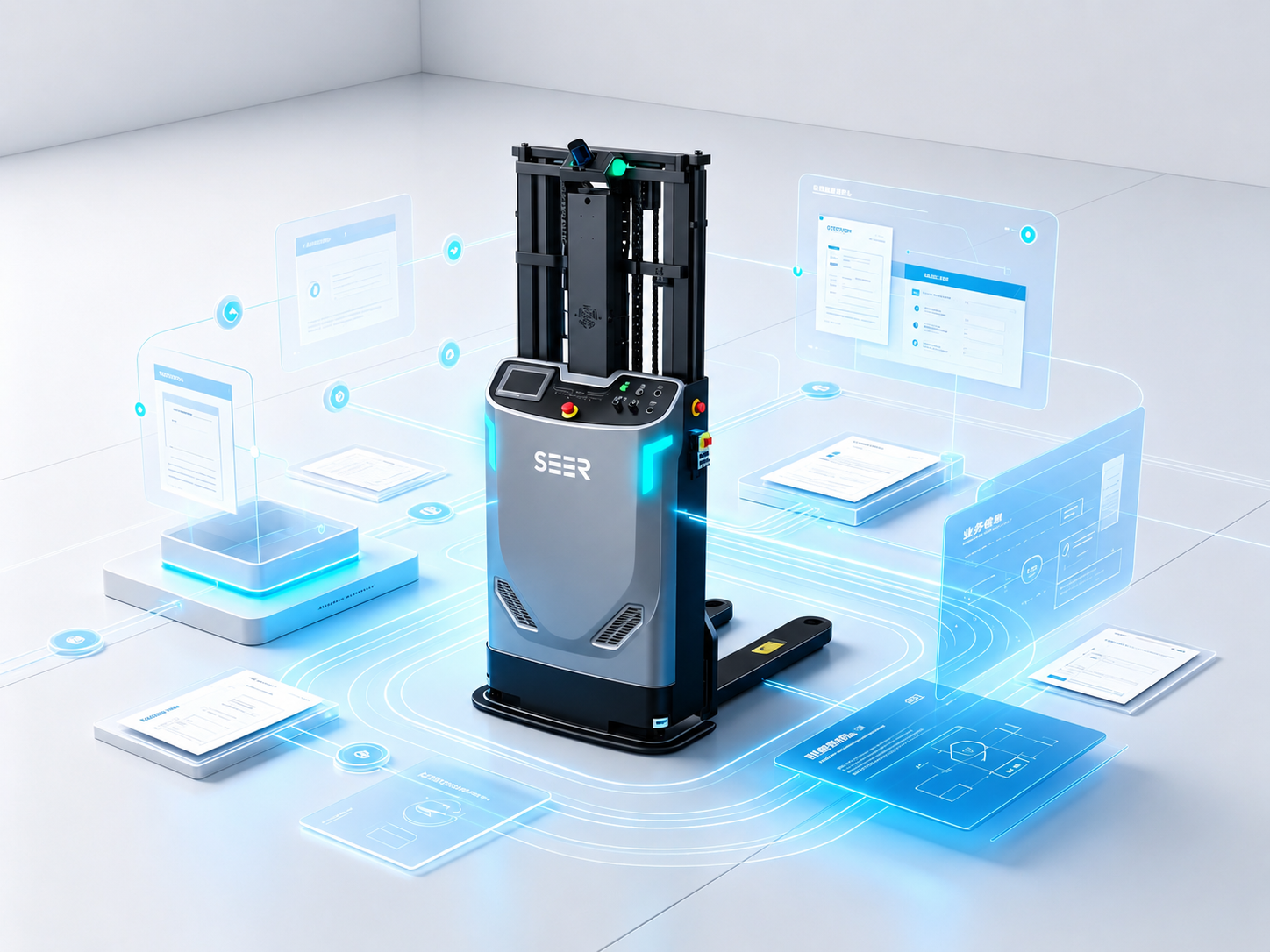
In any robotics project, the real challenge is rarely getting a robot to travel from Point A to Point B. Instead, it lies in reliably transforming a business requirement into a robust, end-to-end workflow—one that the robot can execute, the site can track, and the system can recover if exceptions occur.
For example, when a business system issues a request to "deliver a specific bin to the production line," the upper-level business layer cares about the cargo identity, origin, destination, ETA, and error-handling protocols. Conversely, the lower-level robot dispatching system focuses on vehicle allocation, routing, traffic control, elevator/door integration, payload capacity, and exception recovery.
Without a systematic link between these two layers, projects fall into a state of fragmentation: the business layer only knows "an order was sent," while the robot only knows "I am moving to a coordinate." The intermediate task states, execution steps, equipment handshakes, exception handling, and data lineage remain an absolute black box.
The core philosophy of M4 is to unify robot dispatching and business processes within a single, cohesive system semantics. It goes beyond merely managing hardware or filling out business forms. By utilizing structured objects—such as Scenes, Robot Groups, Maps, Transport Orders, Steps, and Falcon Tasks—M4 systematically deconstructs business demands into workflows that are dispatchable, executable, traceable, and recoverable.
Problem Definition: The Missing Link Between Dispatching and Business Systems
In the early days of robotics deployment, many defined a dispatching system simply as a combination of "path planning + traffic control + task delivery." This view only scratches the surface of real-world complexities.
On a live production floor, robots do not operate in isolation. Every task assigned to a robot stems from a business driver: a retrieval task triggered by a WMS, a material feed request from an MES, or an ad-hoc transport order initiated manually. Throughout execution, the process interfaces with storage slots, containers, peripheral equipment, priorities, pick-and-place actions, exception handling, and status rollups.
Therefore, what bridges a dispatching system and a business system is not a superficial API integration, but rather a shared task understanding model.
- The Business System needs to know: Has the robot picked up the order? Which step is it on? Has it successfully picked or placed the cargo? Is it currently erroring out?
- The Dispatching System needs to know: Which scene does this task belong to? Which robot class should execute it? Where are the precise origins and destinations? What is the container profile? Does it require cross-zone travel via automated doors or elevators?
This is where M4 delivers all-in-one value: it ingests business tasks via dispatching objects and orchestrates dispatching actions via business workflows, establishing a crystal-clear lineage between what the business requires and how the robot executes.
Step 1: Unifying Site Objects via Scene Modeling
The first step for M4 to bridge dispatching and business workflows is to establish unified modeling for all physical objects on-site.
In M4, a Scene defines the complete working environment of robots within a specific project. A scene is composed of robots and their respective robot groups, maps and their sub-zones, and peripheral hardware like automated doors and elevators. An M4 application can support multiple scenes concurrently, allowing users to monitor different facilities seamlessly via simple scene switching.
This step answers a fundamental question: "In what environment does the business task take place?"
A business system cannot just tell the dispatching layer to go "from A to B." The dispatch layer needs contextual semantics: Which scene do A and B belong to? Which zone are they in? Which robot groups have access? What are the available paths and nodes on the map? Are there doors, elevators, storage slots, or restricted zones along the way?
Within an M4 dispatching scene, map elements comprise robots, doors, elevators, control points, paths, storage locations, zones, text, images, coordinate axes, and environmental point clouds. These elements infuse the execution path with live site semantics. Tasks do not just drop onto abstract coordinates; they land within an operational environment fully understood by the system.
Scene modeling is paramount for complex deployments. A project may span multiple zones (e.g., multi-story workshops), with each zone containing multiple robot groups. Different vehicle profiles may utilize distinct maps, yet the maps for multiple robot groups within the same zone must be aligned under a unified coordinate system. An M4 dispatching system manages these multi-scene setups, controlling robot groups, individual vehicles, multi-zone maps, doors, elevators, container types, and order allocation strategies.
Consequently, during project onboarding, the immediate checklist is not about order transmission readiness, but rather:
- Has the site been partitioned into appropriate scenes and zones?
- Are different vehicle models categorized into their respective robot groups?
- Are maps, nodes, paths, storage locations, doors, elevators, and container types integrated into a single scene model?
- Can the system natively recognize complex site layouts involving cross-zone movements, cross-floor travel, and equipment handshakes?
Only when these foundational objects are uniformly modeled can downstream order allocation, path planning, traffic control, equipment integration, and exception handling rely on a single source of truth.
Step 2: Ingesting Business Tasks via Transport Orders
While scenes define where a task executes, Transport Orders define what the task actually is.
In M4, a Transport Order is the core business object of the dispatching system, representing a complete, end-to-end mission to "move cargo from A to B." Acting much like a logistics waybill, it logs the assignee, payload, destination, priority, and real-time transit status. As the definitive bridge between upper-level business logic and low-level robotics, the transport order provides the data context for vehicle allocation, path planning, traffic control, and exception management.
From a business perspective, a transport order articulates a material handling demand—such as moving a specific container from a warehouse slot to the production line, or sending a vehicle to dock, charge, or yield. From a dispatching perspective, the order must carry rich metadata so the system can evaluate vehicle eligibility, optimal execution paths, and clear completion criteria.
The baseline schema of an M4 Transport Order includes core identity fields (Order ID, Scene ID, Scene Name, Order Status, Order Type, Priority, External Order ID, and Tags) alongside robot allocation fields (Target Robot, Target Robot Group, Actual Executing Robot, Dispatch Time, Allocation History, and Redispatch Count). This structural metadata ensures that any business task entering the dispatching layer remains fully trackable throughout its entire lifecycle.
In production deployments, the transport order architecture must address several key parameters:
- Which scene owns this business task?
- How is the task assigned? Does the system auto-allocate the optimal vehicle, or does the initiator enforce a target vehicle/group?
- What container is being moved, and is a specific container profile required?
- How are task priorities defined and weighted?
- What is the current lifecycle state of the order? (e.g.,
Pending Allocation,Pending Execution,Executing,Completed,Canceling,Canceled, orWithdrawn).
- Is the task currently halted due to an error or a manual hold?
If the business system merely pushes an origin and a destination without these operational semantics, the dispatching layer cannot make stable, intelligent decisions. Conversely, if the dispatch system executes paths blindly without reporting states back to the transport order, the business layer loses visibility into project throughput. M4 resolves this by mapping business tasks into structured dispatching orders, while streaming execution telemetry back into actionable business data.
Step 3: Deconstructing Vehicle Execution via Steps
Real-world material handling is rarely a single, continuous movement; it is a sequence of discrete actions.
A robot might need to travel to a pickup location, execute a load action, move to a drop-off point, and unload; or it may need to navigate to a pre-positioning point and wait for a conveyor handshake. In cross-zone or multi-floor operations, it must halt at elevator staging points. In multi-load workflows, a vehicle may even interleave actions between steps of entirely different transport orders.
To handle this complexity, M4 breaks down a Transport Order into multiple Steps. This granularity translates a high-level business mission into actionable vehicle sequences while providing pinpoint accuracy for tracking task progress and vehicle utilization.
Steps are explicitly injected during transport order creation. When adding a pickup step, users select the target node or storage slot, define the device action, and explicitly flag the step as "Pick Up Cargo Here". Similarly, drop-off steps must be explicitly flagged as "Unload Cargo Here".
Without this explicit pick/place semantic tracking, a dispatching system cannot accurately verify the vehicle's payload status. Consequently, it fails to handle downstream events like post-pickup cancellations, drop-off failures, loaded vehicle traffic yielding, or container inventory updates. For the business layer, these states are critically linked to inventory accuracy, container management, and line-side delivery reliability.
Beyond deconstructing execution, steps also introduce a "Seal/Closure" mechanism to manage order elasticity:
- Unsealed Orders: If a transport order remains unsealed, users can continuously append new steps to it. Even if all existing steps are completed, the overall order status remains active, waiting for subsequent steps.
- Sealed Orders: Once an order is sealed, no further steps can be appended. The transport order automatically transitions to
Completedonly after every step under it has been successfully executed.
This flexibility means M4 supports both static, upfront task creation and dynamic, on-the-fly step appending based on real-time business logic. For instance, a robot can be dispatched to pick up a bin immediately while the system calculates the optimal drop-off location mid-transit, or it can hold at a workstation until a peripheral device returns a ready state.
During deployment, step design should be audited against these operational questions:
- Are business tasks broken down into explicit steps like travel, pick, place, and wait?
- Are pickup and drop-off steps accurately flagged within the workflow?
- Does the business logic require dynamic step appending and order sealing mechanisms?
- How are cancellations, modifications, or step-completion dependencies handled by the business?
- Will multi-load vehicles be interleaving steps across multiple transport orders?
By mapping business intents to transport orders, and transport orders to executable steps, M4 provides the vital translation layer between business logic and robotics execution.
Step 4: Ensuring Executability via Map and Equipment Constraints
No matter how flawless a business workflow looks on paper, it will fail on the shop floor if physical constraints are ignored by the dispatching logic.
In robotics, "executability" requires much more than valid start and end coordinates. It demands a real-time validation of map geometry, vehicle mechanics, routing topology, peripheral hardware states, spatial resources, and payload dimensions.
M4 embeds maps and hardware directly into its scene model. The interactive map visualization exposes robots, doors, elevators, nodes, paths, storage slots, and zones. Selecting any element opens a details panel displaying its specific properties and operational commands. This object-oriented topology ensures that the dispatching engine does not just know where to go, but exactly how to get there, whether access is permitted, which zones will be traversed, and whether critical spatial resources will be bottlenecked.
Peripheral Equipment Integration
M4 natively integrates automated doors and elevators into the dispatching loop:
- Automated Doors: Once configured, the system automatically detects when a routing path intersects a door, managing the open/close handshakes natively.
- Elevators: For multi-floor environments, the system autonomously identifies cross-zone, multi-floor tasks, handling elevator calling, floor registration, and vehicle boarding/exiting sequences.
Hardware interactions are not treated as external side-effects of a business process; they are native nodes within the dispatching execution chain.
Map Topology and Kinematics
During map generation, node distances and paths must be tuned to match the specific scene profiles and vehicle kinematics. For example:
- If the distance between a traffic-yielding point and a preceding node is insufficient, a staging robot will physically block passing vehicles, degrading fleet throughput.
- Charging Points (CPs) must have accurately positioned pre-positioning nodes.
- For forklifts, their distinct turning radiuses and swing profiles require adequate clearance along adjacent paths, meaning the topology should favor smooth arcs over sharp rotations.
These configurations are foundational prerequisites for stable business execution. A business system can easily issue a command to "deliver a pallet to slot X," but the dispatching system must verify if the forklift can physically navigate into that slot, whether staging points will cause gridlock, if the loaded footprint clears the aisle, and whether the path creates conflicts with the rest of the fleet.
Step 5: Orchestrating Workflows via Falcon Tasks
Scenes, transport orders, and steps manage how a single task is dispatched and executed. However, complex projects must also solve the operational lifecycle: When are tasks generated? In what sequence do they execute? What triggers occur post-completion? How does the system recover from failures?
This is where Falcon Tasks come into play.
An M4 Falcon Task template is a visual, structured configuration framework for business processes. It allows engineers to build complete workflows using preset parameters, functional process components, and business rules. Supporting modular customization and real-time parameter tuning, Falcon Tasks enable rapid workflow reuse and agile site adaptation.
While a transport order acts as an individual vehicle script, a Falcon Task operates as a comprehensive business workflow orchestrator. It coordinates multiple macro-actions, such as generating transport orders, injecting steps, waiting for step completions, sealing orders, spawning downstream transport orders, and parsing execution outputs.
Consider a multi-vehicle workflow deployed via Falcon Tasks:
- The system creates the first transport order, moving a vehicle from the origin to a staging point.
- The Falcon Task handles order creation, injects the pickup step, injects the drop-off step, monitors execution, and seals the order upon completion.
- Upon successful closure of the first order, Falcon automatically triggers a second transport order, instructing a different vehicle class to complete the final leg of delivery.
This orchestration capability ensures that complex business logic does not need to be hardcoded into external systems, nor does it require manual intervention from floor operators.
For example, an inbound warehousing workflow might require inventory validation before generating a transport order. Similarly, a line-side call might trigger a pickup step, delaying the drop-off allocation until an exact production slot opens up. Falcon Tasks tie these fragmented actions into a unified thread.
Furthermore, Falcon Tasks provide comprehensive lifecycle management. Task states include Created, Started, Faulted, Completed, Canceled, and Terminated. The engine supports runtime operations such as pause, resume, fault-retry, and termination. If an exception occurs, clear indicators are pushed to the task logs, detail views, and the central alarm center. Once operators resolve the root cause, they can modify components or parameters on the fly and trigger a fault-retry to resume execution right from the failure point, ensuring previously completed steps are never duplicated.
Common Pitfalls: Integrating APIs Without Restructuring Business Workflows
Many projects claim to have connected their business and dispatching systems, but a closer look reveals they have merely hooked up a few raw APIs without aligning the underlying logic.
- Treating API Call as Integration Complete: The most common mistake is assuming that because a business system can successfully ping an API to generate a task, the integration is complete. In production, task creation is just step zero. The business layer must actively understand allocation states, pickup execution, payload confirmation, drop-off completion, and lifecycle exceptions (cancellations, withdrawals, holds).
- Confusing "Arrived at Node" with "Business Completed": A vehicle reaching a spatial coordinate does not mean the business action is done. The completion of physical pick/place actions, container handshake confirmations, and peripheral equipment releases must be explicitly tracked.
- Hardcoding All Business Logic Externally: While decoupling everything into an external system seems faster during initial development, it backfires when managing mixed fleets, multi-load vehicles, cross-zone routing, and exception recovery. The external system ends up needing to parse vast amounts of low-level dispatching data, causing maintenance costs to skyrocket.
- Designing Solely for the Happy Path: The true bottleneck of a live facility is rarely running a clean order; it is handling offline vehicles, mechanical faults, physical obstructions, mid-transit cancellations, holds, or a vehicle stuck with a payload but nowhere to drop it off.
- Ignoring Spatial and Map Constraints: Business layers view tasks linearly as "A to B," but dispatching engines deal with physical space. Node spacing, aisle widths, yield points, charging entry paths, forklift clearances, and elevator queuing pockets dictate whether a theoretical workflow can actually run stably.
To evaluate whether your business and dispatching layers are truly integrated, look past raw API connectivity and verify these operational criteria:
- Are business tasks cleanly mapped into structured transport orders?
- Are transport orders split into granular, verified steps?
- Do steps accurately reflect physical loading and unloading states?
- Are map geometry and equipment handshakes natively evaluated during routing?
- Do exception states feed back into actionable business logic?
- Are execution analytics structured for performance profiling and continuous optimization?
Pre-Go-Live Checklist
Before pushing an M4 project live, conduct a rigorous audit across the following dimensions:
Scene Modeling
- Are scenes, zones, robot groups, vehicles, maps, doors, elevators, and container types fully configured?
- For multi-floor, multi-zone, or mixed-fleet deployments, are the behavioral boundaries between different zones and robot groups explicitly defined?
Transport Order Architecture
- Do business tasks map accurately to M4 transport orders?
- Do orders pass vital context: scene IDs, priorities, target vehicles/groups, container profiles, and key coordinates?
- Are external order IDs and tags mapped correctly to allow upstream systems to audit execution lineages?
Step Design
- Are material handling flows split into explicit steps (travel, pick, place, wait)?
- Are pickup and drop-off steps explicitly flagged within the schema?
- Are step appending and order sealing mechanics validated against business rules?
Vehicle Telemetry & Telematics
- Are vehicles online, available for allocation, and responsive to dispatch commands?
- Do vehicles accurately report status metrics: errors, battery state, payload presence, slot location, current coordinates, and active transport orders?
- When a vehicle goes offline or errors out, does the dispatch engine accurately factor its physical footprint into fleet routing?
Maps & Staging Infrastructure
- Are map nodes, paths, slots, and zones perfectly calibrated against the physical site layout?
- Are doors, elevators, charging stations, yield points, and pre-positioning nodes properly mapped?
- Have cross-zone and cross-floor workflows been stress-tested for elevator and door integration?
Workflow Orchestration
- Which business flows are assigned to Falcon Tasks?
- Are order generation, step injection, step waiting, sealing, fault retries, and manual overrides fully validated within Falcon templates?
Exception Management
- Do order faults, vehicle errors, Falcon Task exceptions, and peripheral hardware dropouts trigger instantaneous alarms?
- Do alerts pinpoint the exact vehicle, transport order, step, or process component responsible?
Data Lineage & Analytics
- Are order states, step logs, vehicle allocations, cycle times, error roots, and Falcon histories readily accessible for analysis?
- Are M4 performance metrics—such as processing time, execution duration, pending wait time, pick/place cycle times, fault counts, and downtime durations—mapped to downstream databases for cycle-time analysis and optimization?
Backend & Technical Code-Review Checkpoints
During technical reviews, shift focus from basic API connectivity to deep semantic alignment between systems:
- Idempotency & Lineage Tracking: Ensure every upstream business task carries an immutable, unique identifier mapped directly to M4 transport orders or Falcon Task logs. Without this, tracking a production error back to an automated vehicle execution log becomes incredibly difficult.
- Payload Schema Completeness: Reject minimalist payloads that pass only an origin and destination coordinate. The integration schema must explicitly define scene contexts, vehicle allocation constraints, container types, priority weights, and clear pick/place semantics.
- Step and Order Invariant Validation: Enforce M4 model rules at the boundary layer. For instance, verify that standard transport orders maintain balanced, paired pick-and-place step blocks and that dynamic step appending strictly interfaces with the order sealing APIs.
- Edge-Case Boundary Handling: Technical validation must cover mixed-fleet routing, multi-load logic, and cross-zone constraints. Ensure that disparate map layers, varying load limits, physical clearances, container profiles, and equipment handshakes are fully covered in automated regression tests.
- Granular State Mapping: Ensure upstream business applications natively parse the complete M4 lifecycle state array. Mapping granular states like
Canceled,Faulted,Held,Withdrawn, andCompletedto a simplistic "Success/Failure" boolean will break error-handling workflows.
- Falcon Template Maintainability: When business workflows run on Falcon, audit the underlying templates. Ensure that component logs are fully traceable, execution paths are auditable, and exception nodes are exposed for manual intervention or automated retry hooks.
- Simulation & Validation Protocols: Validate core business workflows using actual deployment scenarios prior to physical site go-live. M4 includes a built-in random order generation engine, designed to simulate live operational randomness, validate scene layouts, uncover bottleneck zones, and stress-test fleet cycle times.
Conclusion
Bridging robot dispatching and business processes in M4 is not about slapping a dispatching UI next to a business dashboard. It is about using a unified object model to bind the physical facility, material tasks, vehicle movements, peripheral hardware, and exception loops into a closed-loop system.
Scene modeling ensures the system understands the spatial context of a task; transport orders seamlessly ingest business demands; steps break down vehicle actions into atomic, manageable pieces; map and equipment constraints ensure real-world executability; and Falcon Tasks provide a flexible platform to orchestrate, track, and recover complex business operations.
In any robotics deployment, getting a vehicle to move is just day one. The real victory lies in ensuring that every business demand is accurately parsed by the system, every automated movement is traceably tied to business value, and every exception is elegantly managed within the workflow. That is the true definition of unified operations.
