


Why Isn't the Online Robot Accepting Orders? Understanding Online Status, Dispatch Readiness, Control Authority, and E-Stop in M4
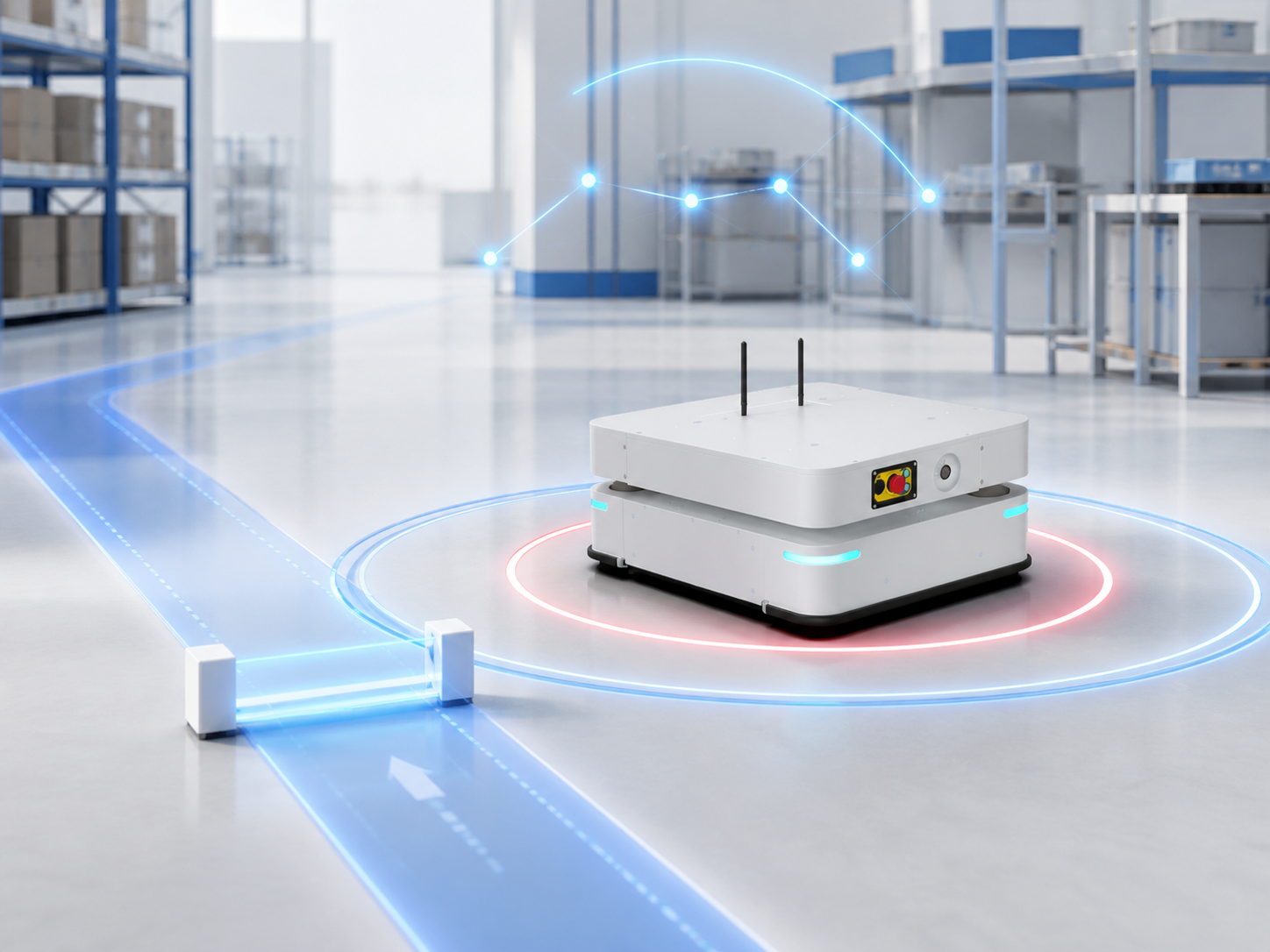
In the M4 interface, a robot might show as "Online" but remain unassigned to any transport orders, or it might have an assigned order but stay motionless. This happens because "Online" merely indicates that network communication is normal. Whether a robot can participate in dispatching and execute tasks depends on additional conditions: Dispatch Readiness, Control Authority, and Emergency Stop (E-Stop) status.
"Online" Indicates Normal Communication Between the Robot and M4
When a robot establishes a stable network connection with M4, allowing M4 to continuously retrieve its information (such as location, battery level, and alarms), the robot displays as Online. This confirms normal communication between the robot and M4. If the connection drops, the robot displays as Offline and cannot receive new commands from M4.
Network fluctuations can occur on the factory floor. If a single information fetch times out, M4 does not immediately flag the robot as Offline. Instead, it marks the robot with a fault status and waits for communication to recover. If the connection is restored within 60 seconds, M4 clears the fault. If the connection remains down after 60 seconds, M4 updates the robot’s status to Offline.
Therefore, "Online" simply means communication is normal. It is a prerequisite—but not the sole condition—for executing transport orders.
"Dispatch Ready" Determines Participation in Order Assignment
Dispatch Ready (or "Ready to Accept Orders") dictates whether a robot can participate in the assignment and execution of business transport orders. Business transport orders include those generated by M4 based on operational demands, as well as orders created by upper-level systems via M4 APIs. (All references to "orders" in this document refer to business transport orders.)
Setting a robot to Not Dispatch Ready does not mean it cannot execute any tasks. M4 can still automatically generate non-business system orders for it, such as parking, charging, or obstacle avoidance. For example, M4 can send a low-battery, non-dispatchable robot to a charging station to prevent deep discharge. (Different order types will be detailed in the upcoming "Transport Orders" topic.)
"Dispatch Ready" and "Online" are two independent statuses. An online robot can be set to "Not Dispatch Ready": it will not be assigned business orders, but M4 will continue to monitor its real-time status and factor its physical and resource footprint into traffic management to prevent collisions with other robots.
When a robot is undergoing maintenance, debugging, or temporary removal from production, it must be set to "Not Dispatch Ready." This prevents M4 from assigning tasks to a robot that is not ready for operation, avoiding task stalls or execution failures.
"Control Authority" Determines Whether M4 Can Command the Robot
Control Authority is maintained and reported by the robot itself, and it can only have one owner at any given time. The robot only responds to control requests initiated by the current authority owner. This prevents conflicting commands when M4, debugging tools, or other systems attempt to control the robot simultaneously.
Consequently, M4 must acquire the robot's Control Authority before issuing operational commands.
However, viewing status information is not restricted by Control Authority. For example, if M4 holds Control Authority over robot AMB-01, an engineer cannot drive the robot via Roboshop, but can still view its real-time location, battery level, and active alarms.
Before acquiring Control Authority, ensure that no personnel or secondary systems are actively operating the robot to prevent multi-party control conflicts.
"E-Stop" Determines Whether the Robot Can Currently Work
A robot "working" means completing a full operational cycle according to task requirements—including navigating to a target location, executing picking/placing actions via onboard mechanisms , and reporting execution results back to M4. For instance, a lifting robot merely arriving at Storage Location A has only completed movement; it completes the actual work only after lifting the rack and returning a "pick successful" confirmation.
Emergency Stop (E-Stop) is a safety mechanism used to immediately halt robot operations in dangerous or abnormal situations. When triggered, the robot immediately stops working, cancels path navigation, and puts the active transport order into a Fault state. E-Stop also causes the robot to lose its Control Authority. Once the E-Stop is cleared, operators must re-confirm Control Authority, verify the physical status of the robot and load, and manually recover or clear the faulted order.
In addition to the hardware E-Stop, M4 provides a Soft E-Stop mechanism. A Soft E-Stop pauses the robot's operation while preserving its current task. When triggered, M4 does not cancel path navigation, nor does the transport order enter a Fault state. Once resumed, the robot continues its original navigation route and task. Because the task and path are preserved, do not manually push or move the robot during a Soft E-Stop; doing so may cause the robot to resume actions from an incorrect position or fail path navigation upon release.
Layered Status Diagnostics in the M4 Interface
In the Dispatching Context interface, users can troubleshoot issues across three information layers:
-
Status Overview: Check aggregate counts of anomalies, such as Offline, Not Dispatch Ready, Missing Control Authority, Blocked, Internal Errors, or Low Battery.
-
Robot List: View specific robots' Online status, Dispatch Readiness, and active task states.
-
Robot Details: Drill down to inspect Control Authority, E-Stop state, battery level, position, active faults, and associated transport orders.
When encountering an "Online but Not Dispatching" scenario, troubleshoot in the following sequence:
-
Verify whether the robot is Online.
-
Verify whether it is Dispatch Ready.
-
Confirm whether M4 holds Control Authority.
-
Check for E-Stop, active faults, or other non-runnable states.
If all these statuses are normal, proceed to check whether the robot already has an assigned order and whether the corresponding order allocation criteria are met.
Clear Status Distinction Leads to Faster Diagnostics
To summarize:
-
Online answers: "Is it connected?"
-
Dispatch Ready answers: "Is it available for tasks?"
-
Control Authority answers: "Who is in command?"
-
E-Stop answers: "Is it permitted to work right now?"
Understanding these distinctions prevents unnecessary network reconnections and system reboots, allowing field operators to diagnose rapidly why a robot is not accepting orders, not moving, or unable to proceed with its mission.
