


How Does a Robot "Open a Door"? Talking About That Inconspicuous Door in M4
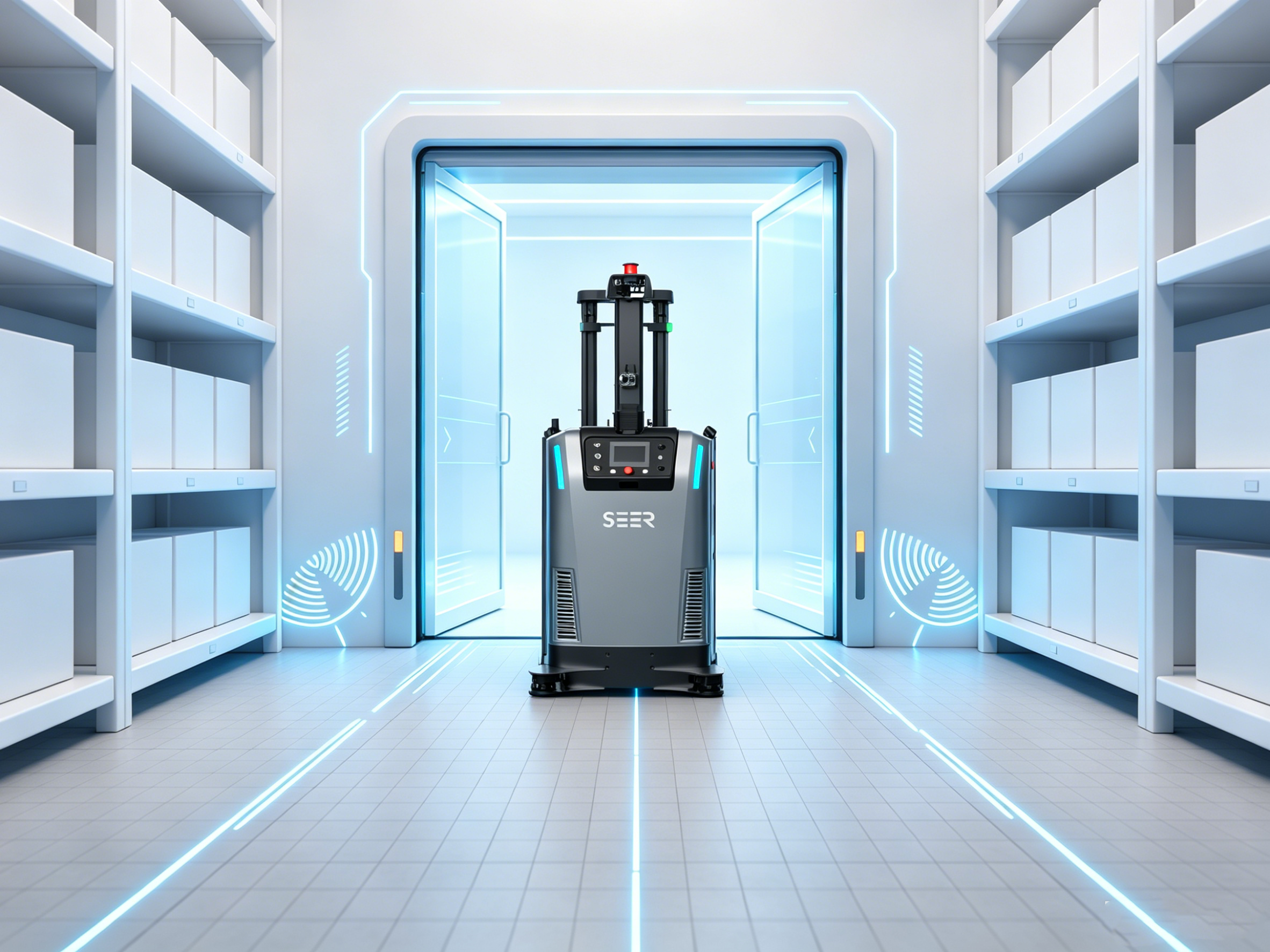
In a facility equipped with automatic doors, the bottleneck that most frequently strands a robot is rarely a complex intersection—it is usually just a common, ordinary door.
Factories and warehouses are riddled with doors: workshop partition doors, cleanroom roll-up doors, fire doors, and temperature-controlled zone doors. For a human, pushing through a door is pure instinct. But robots do not have hands; they cannot simply bypass a closed door. Furthermore, the two sides of a door often represent entirely different environments—one side might be a production line and the other a warehouse. This barrier must block dust, maintain temperature, and control airflow, yet it also needs to clear the path the moment a robot approaches. Solving how a robot—incapable of opening a door by itself—can seamlessly pass through a door designed for human operation was the very first challenge M4 had to tackle.
Note: We currently do not support "air shower doors." Their opening logic and safety interlocks differ too drastically from standard automatic doors. Forcing an integration often introduces systemic issues—a key takeaway from our field experience discussed later.
How M4 "Opens" a Door
M4 does not open the door directly; instead, it orchestrates a dialogue with the door controller behind the scenes.
Since the robot itself cannot physically touch the door, the actual execution of opening and closing relies entirely on the door controller. What M4 does is issue commands (e.g., "open" or "close") to the door controller at the exact right moment via industrial protocols such as ModbusTCP. Simultaneously, it continuously reads the door's status: Has it fully opened? Is it offline? Is there a fault?
There is also an easily overlooked architectural detail: in M4, doors are configured on segments (paths) rather than at stations. This is because a door inherently blocks a section of a path; the robot traverses the door rather than stopping at it. While this might seem like a minor configuration detail, it directly dictates whether the system can accurately calculate "predictive door opening" later on.
Breaking down a complete door-crossing sequence reveals four basic steps:
- The robot approaches.
- The Fleet Manager (Fleet Management System/FMS) triggers the door to open.
- The system confirms the door is fully open.
- The robot passes through, and the door closes behind it.
It sounds straightforward, but the devil is entirely in the details of when to trigger the opening.
The Pitfalls of the Most "Primitive" Door-Opening Method
Conventionally, a robot navigates all the way to the threshold, comes to a complete stop, and only then does the FMS issue an open command to the door controller. The robot then waits patiently, resuming its journey only after the door is completely open. Logically, this approach is flawless, and from a safety perspective, it is absolutely foolproof.
However, once deployed in a real-world production environment, the operational flaws become glaringly obvious: every single door introduces a "stop-wait-go" cycle. A two-second delay at a single door might seem negligible, but when a production line links multiple doors with dozens of vehicles running back and forth, these cumulative delays will decimate the overall cycle time (takt time). More visibly, it makes the robots look incredibly "dumb" to the customer—staring down an unobstructed path only to halt sluggishly at the threshold before the door finally opens, mimicking a lagging operator.
After repeatedly witnessing this phenomenon across numerous deployments, our conclusion was definitive: the opening action must never wait for the robot to arrive at the doorstep.
Enter "Predictive Door Opening"
To make door crossings seamless, the door must be fully open before the robot even arrives.
The core philosophy of "Predictive Door Opening" can be summarized in one sentence: Do not wait for the threshold; initiate the opening sequence at a designated upstream distance. Its implementation and execution logic can be broken down into three layers:
- Toggle and Threshold Distance: Predictive door opening is disabled by default. When enabling it, you must configure a "Predictive Opening Distance" (in meters). This metric represents your budgeted distance headroom for initiating the door opening sequence.
- Calculating the "Predictive Zone": This is the critical step where field experience comes into play. The system does not simply use a crude "trigger when $N$ meters away" rule. Instead, it aggregates three vectors—your configured predictive distance, the specific path segment containing the door, and the topological map of the zone—to reverse-engineer a "predictive path set." The moment a robot's navigation task intersects with this path set, the predictive opening sequence is triggered.
- Differentiating the Two Types of Opening Requests: The same physical door will generate two distinct types of operational requests based on different path segments:
- Mandatory Opening Request: Triggered when the robot occupies the exact segment where the door resides. This is a blocking action—once the FMS issues the open command, it must receive confirmation that the door is fully open before clearing the robot to proceed. This is our non-negotiable safety baseline.
- Predictive Opening Request: Triggered when the robot is traversing the upstream approach paths leading to the door. This is a non-blocking action—the robot continues moving forward while simultaneously signaling the door to open, without grinding to a halt to validate the door's real-time state.
By pairing these two mechanisms, the robot signals the door from afar. By the time it actually reaches the threshold, the door is typically wide open, allowing the robot to cruise through without decelerating or stopping.
Optimizing "Predictive Door Opening" (Iteration 2.0)
You might assume that predictive opening solves everything, but we later uncovered another subtle "stutter" during live deployments. The issue occurred precisely at the handoff moment: when the robot transitioned into the door's immediate segment, the legacy logic required it to first validate that "the open command was indeed successfully transmitted." This single verification handshake caused the vehicle to give a slight, jarring stutter right under the door frame. While imperceptible with one or two vehicles, on a high-throughput line optimized for cycle times, this stutter was a glaring eyesore.
We subsequently re-engineered this logic: the door is maintained in an open state, and when the robot enters the immediate door segment, it bypasses that specific handshake and eliminates the stutter, gliding straight through the door. The code modification itself was minor, but achieving this level of "frictionless fluidity" is something you simply never think to optimize until you have run thousands of hours across massive deployments.
Hard Lessons from the Field: Back-to-Back Doors
In an ideal world, every door operates in a vacuum, completely isolated from others. In reality, doors can be spaced incredibly close together—so close that the "predictive opening distance" of one door might bleed directly into the path segment of the next.
Imagine robot AMB-01 needs to sequentially pass through two adjacent doors, D1 and D2. While it is triggering a mandatory opening request for D1, it has actually already stepped into the predictive opening zone of D2. We previously stumbled into a major pitfall in this exact overlap scenario: when the predictive distance of one door overshadowed the active path of another, the system would occasionally drop the status verification for the second door. Consequently, the robot would blind-navigate toward D2 without a definitive grasp of its open/closed state. This edge case has since been patched, but its discovery did not come from theoretical design reviews—it was forced upon us by a real-world site where two doors were practically stuck together.
These types of edge cases represent the stark delta between "having extensive deployment experience" and "only designing systems in a sterile lab environment."
What If a Door "Goes on Strike"? Robot Exception Handling
Exceptional design is 50% happy path and 50% error handling.
Doors are mechanical assets; they drop offline, they jam, and they malfunction. What happens if a door suddenly fails mid-transit? Our system bifurcates its response based on the hazard zone:
- Mid-Transit Door Faults: Users can enable the configuration parameter
"E-Stop on Door Fault Mid-Transit". Once active, if the door drops offline or throws a fault while the robot is positioned within the 20% to 80% span of the door segment (the highly critical "half-in, half-out" hazard zone), the FMS immediately forces the robot into a soft E-stop to protect it in place. Once the door is restored to operational status, an operator must manually clear the soft E-stop before the robot resumes its path. Drawing this hard line across the most hazardous zone was an intentional, safety-first design choice. - Mid-Route Order Cancellations or Exceptions: If a robot is currently stranded within the door segment, the door will not aggressively close even if the active transport order fails or gets canceled. The system mandates that the door remain open until the robot is safely relocated to a designated clearance zone. The underlying principle is simple: a human would never close a door while someone is still stuck in the frame.
- Robot Disconnections or Deletions: Similarly, the system will never rashly command a door to close if a robot goes offline or its task is purged. We would much rather leave a door open a bit longer than risk crushing a vehicle whose real-time status is unknown.
There is an even more insidious detail: handling the door-close signal. Different door controller manufacturers handle signal triggering differently—some rely on level-triggered signals (continuous voltage), while others use pulse-triggered signals (momentary edge). We encountered bizarre anomalies in the field where a robot would clear a gate but the door would remain permanently open, or worse, the FMS signal would override and lock out the physical manual override buttons of the onsite operators. To bulletproof this, we introduced a fail-safe configuration parameter: "Timeout for Clearing Door-Close Signal". This is a parameter you would normally never notice, but without it, a specific door model could completely paralyze your entire production line.
The "Invisible Grind" Behind a Single Door
A door sounds like the most trivial component within the entire M4 ecosystem. Yet, if you want a robot to effortlessly glide through it with the poise of a human, you must solve a cascading chain of problems: predictive distance calculations, multi-door coordination, fault protection matrices, and multi-vendor controller compatibility.
None of these solutions were dreamed up in a vacuum. They are the product of an "invisible grind"—chipped out bit by bit across 8 years and more than 1,000 project sites.
